How to Get a Google Certification

Want to boost your resume, learn job-ready tech skills, or validate your marketing expertise? Getting a Google certification is a practical, respected way to prove those abilities. This guide walks you through how to get a Google certification step-by-step — from choosing the right credential to preparing, registering, and showcasing your new qualification.
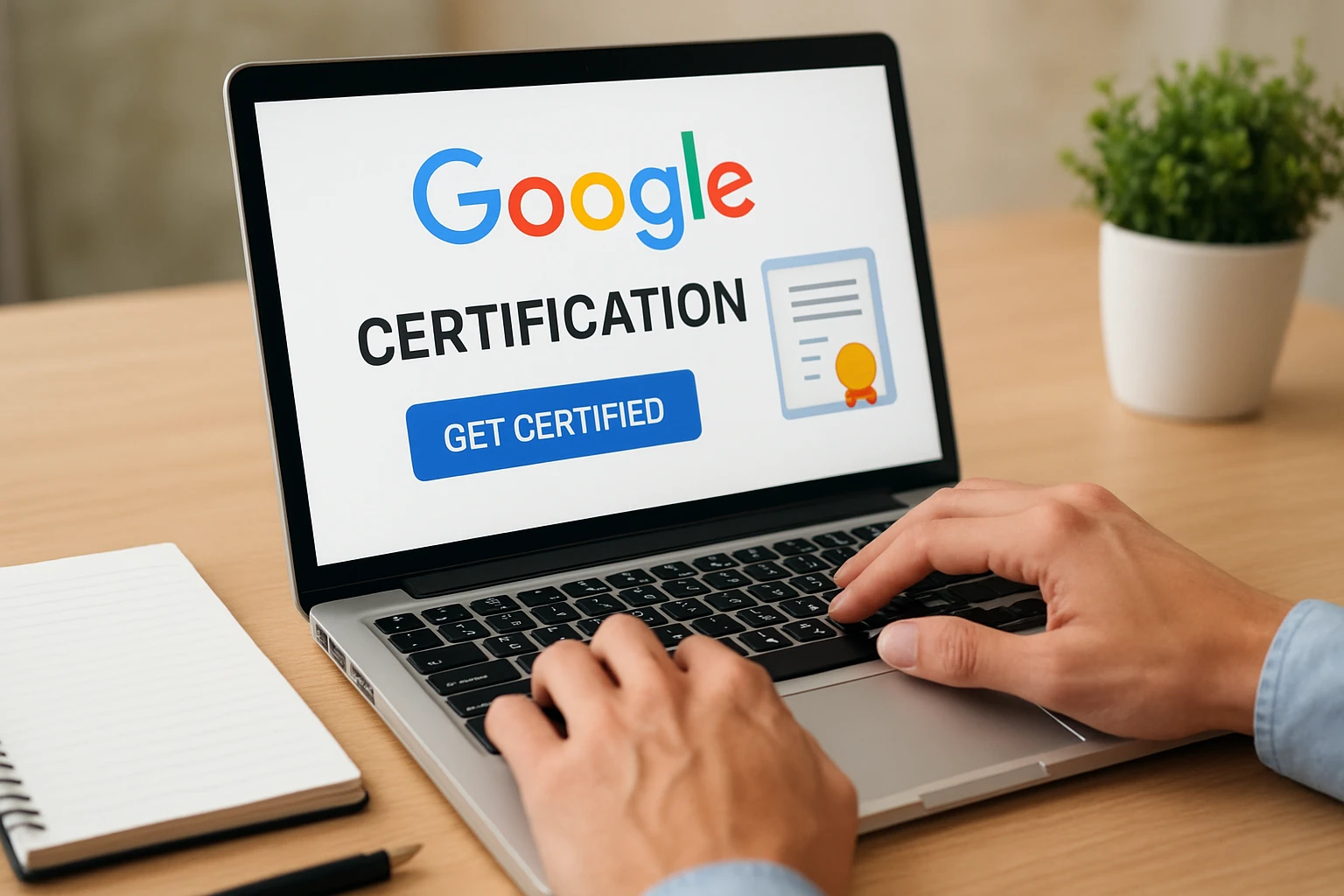
Choose the right Google certification for your goals
Google offers many certifications across Cloud, Ads, Analytics, IT support, project management, and more. Start by matching your career goals: if you want cloud engineering or data roles, consider Google Cloud certifications (Associate Cloud Engineer, Professional Data Engineer). If you work in digital marketing, look at Google Ads, Google Analytics, or the Google Digital Garage courses. There are also Google Career Certificates (via Coursera) for entry-level roles like IT Support and UX Design. Compare cost, exam format (proctored vs. on-demand), recommended experience, and renewal requirements to pick the one that best aligns with your timeline and job targets.
Prepare effectively: study resources, hands-on practice, and practice exams
Once you’ve chosen a certification, build a study plan. Use official resources first: Google Cloud Training, Skillshop for Ads/Analytics, and Coursera for Google Career Certificates provide structured lessons. Complement these with hands-on labs (Qwiklabs for Google Cloud), real-world projects, and study guides. Schedule regular study blocks, track topics you struggle with, and take full-length practice exams under timed conditions to build stamina. Join study groups, forums, or Slack communities for tips and issue troubleshooting. Many certifications publish an exam guide—use it to map your study topics and ensure you cover every competency area.
Register, take the exam, and what to do after you pass
When you’re ready, register via the official exam platform (Google Cloud Webassessor, Kryterion, or the designated partner). Confirm technical requirements for remote proctoring or locate a testing center for in-person exams. On exam day, arrive early or set up your testing environment (clear desk, valid ID, stable internet). After passing, download your certificate and add it to LinkedIn, your resume, and professional profiles. Share projects that demonstrate applied skills and ask for endorsements. If you don’t pass, review your score report, focus on weak areas, and reschedule—retake policies vary, so check waiting periods and fees. Finally, keep the certification current: many Google credentials require renewal or continuing education to remain valid.
Hire Smarter, Post Your Job for Free on JobTower
Finding the right tech talent shouldn’t be complicated. Whether you’re a startup searching for your first developer or a global company scaling your IT team, JobTower.io helps you connect with skilled professionals who are actively looking for their next opportunity.
Post your job for free today and get instant visibility across our growing job network, social channels, and Google Jobs listings. Our platform is optimized to attract high-quality candidates, saving you time while ensuring your opening reaches the right audience.
👉 Post a Job Now
Join Our Newsletter or Find Your Next Role
Don’t miss out on the latest job opportunities in the tech world. Subscribe to the JobTower Newsletter and get fresh openings, career advice, and hiring insights delivered straight to your inbox.
If you’re ready to take the next step in your career, browse hundreds of open positions on our Jobs page from remote freelance roles to full-time tech positions across the globe. Be the first to discover new opportunities, stay informed about market trends, and grow your career with JobTower.
.svg)
%2C%20Color%3DOriginal.svg)



Follow Jobtower on your favorite platform - we share new job opportunities the moment they go live.